Voice Agent Telephony
Voice Agent Telephony lets your AI agent place and receive real phone calls over the public telephone network.
Once a phone number is connected, your agent can talk to customers exactly like a human would — answer questions, qualify leads, confirm appointments, run surveys, or place outbound follow-up calls — using natural voice on either end of the line.
This section walks you through every step a non-developer needs to connect a phone number or SIP trunk to a DronaHQ voice agent.
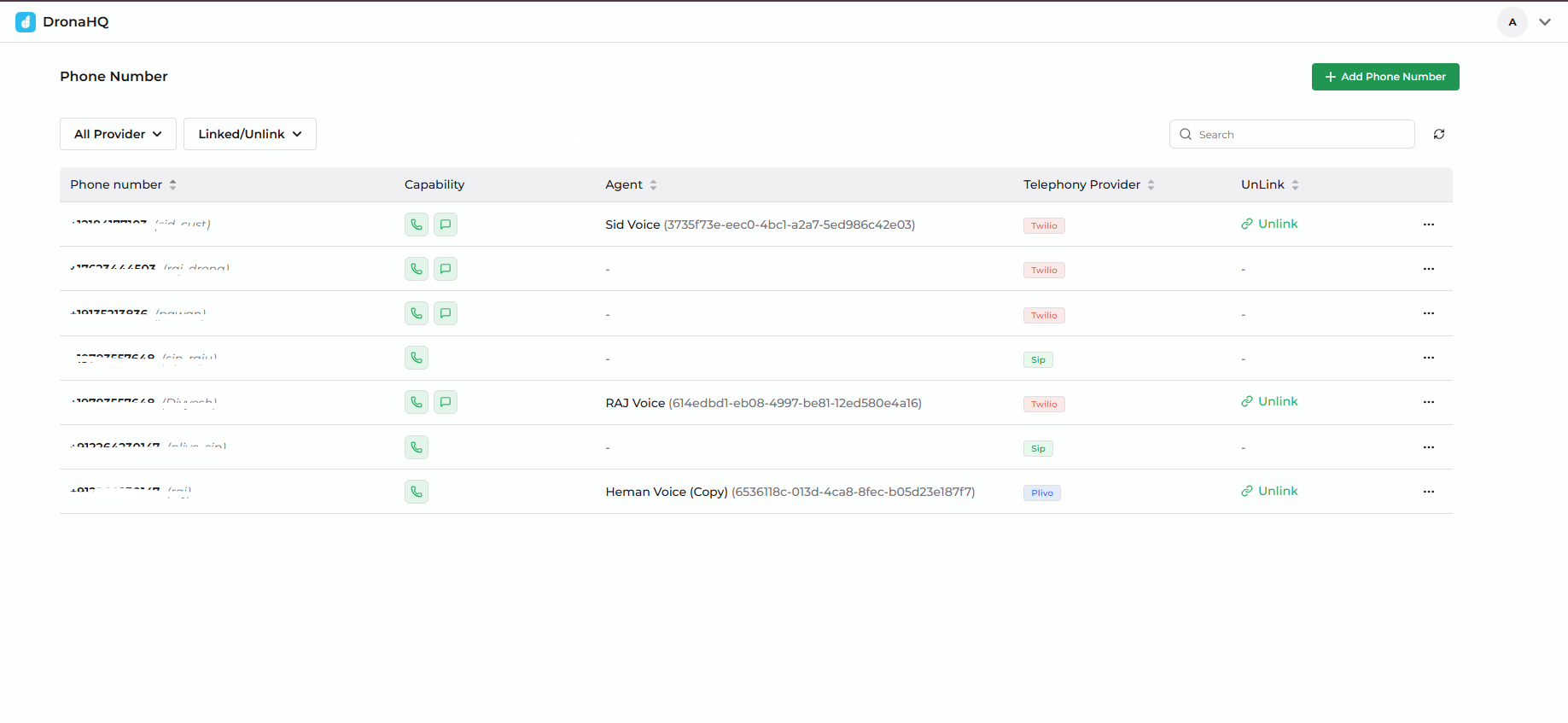
Three Ways to Connect
DronaHQ supports three connection types. Pick the one that matches what you already have.
| Connection | Best for | What you need |
|---|---|---|
| Twilio phone number | Teams starting fresh or already on Twilio | Twilio account, a purchased Twilio number, Account SID + Auth Token |
| Plivo phone number | Teams starting fresh or already on Plivo | Plivo account, a purchased Plivo number, Auth ID + Auth Token |
| SIP Trunking | Teams with an existing SIP trunk (Twilio Elastic SIP, Plivo Zentrunk, or any other carrier) | A configured SIP trunk on your carrier, gateway host, transport, and digest credentials |
If you don't have any telephony setup yet, the fastest path is a phone number from Twilio or Plivo — three credentials and you're live.
What Each Provider Supports
| Capability | Twilio | Plivo | SIP Trunking |
|---|---|---|---|
| Outbound calls | ✅ Yes | ✅ Yes | ✅ Yes |
| Inbound calls | 🚧 Coming soon | 🚧 Coming soon | 🚧 Coming soon |
| SMS | ✅ Yes | ✅ Yes | — |
| Blind transfer | ✅ Yes | ✅ Yes | ✅ Yes (SIP REFER) |
| Warm transfer | ✅ Yes | 🚧 Coming soon | 🚧 Coming soon |
| Machine detection (AMD) | ✅ Yes | ✅ Yes | — |
| DTMF (keypad input) | ✅ Yes | ✅ Yes | ✅ Yes |
| Carrier-side recording | ✅ Yes | ✅ Yes | ✅ Yes |
Inbound calls are coming soon across all providers. The current release focuses on outbound scenarios — your agent places the call, the recipient picks up.
High-Level Setup Flow
The setup follows the same five steps for every provider:
- Get an account with Twilio, Plivo, or your SIP carrier.
- Purchase or provision a phone number on that account.
- Collect credentials (Account SID + Auth Token, Auth ID + Auth Token, or SIP gateway + digest credentials).
- Add the number in DronaHQ under Voice Agent → Phone Numbers → Add Phone Number.
- Attach the number to a voice agent and place a test call.
When Should I Use a Phone Number vs SIP Trunking?
Use a phone number when:
- You're just getting started
- You want the quickest path to a working agent
- You don't already operate a SIP trunk
Use SIP Trunking when:
- You already have a SIP trunk through Twilio, Plivo, or another carrier
- You want to keep using your existing carrier contract or rates
- Your calls need to flow through existing infrastructure (PBX, IVR, recording, etc.)
- You're bringing a phone number that's already provisioned on a SIP trunk
What's Next
Start with the provider you have credentials for: