Validate Control
Setting up the Validate Control Action
The Validate Control action allows you to validate one or more specific controls on a screen before proceeding with further actions. This is especially useful when you want to validate only selected inputs without enforcing validation across the full screen.
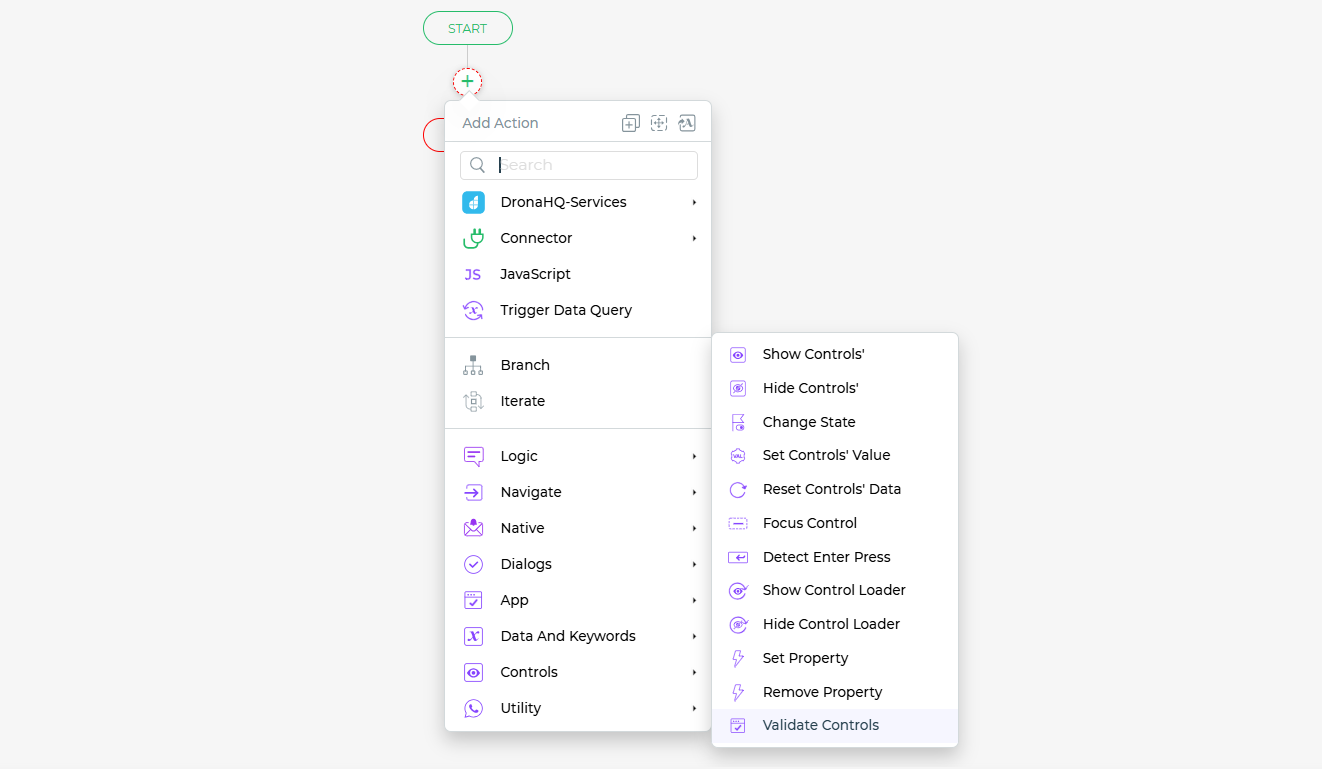
Select Control(s): In the Validate Control action configuration, you can choose one or multiple controls from your app that require validation. This enables you to focus only on the relevant fields, such as mandatory inputs, specific form elements, or conditionally required data.
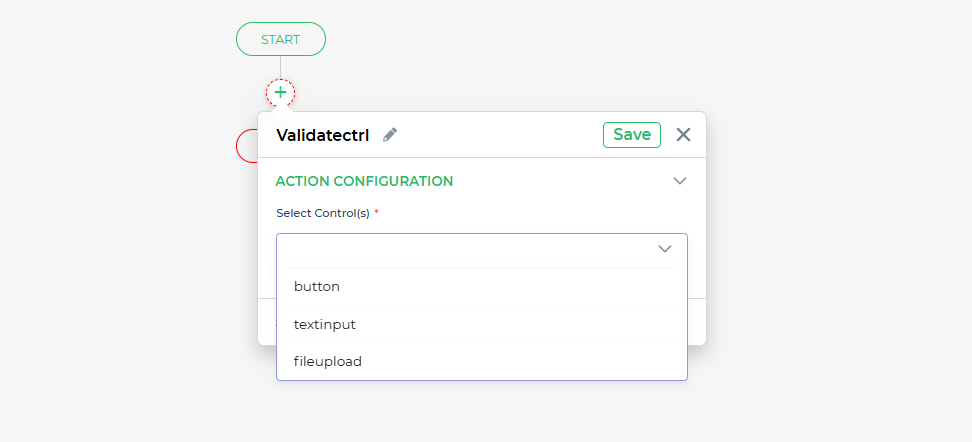
Validation Outcome: The action returns either True or False based on whether the selected control(s) pass validation. You can use this outcome to define the next steps in your workflow. For instance, if validation fails (False), you can display an error message, highlight the invalid fields, or stop further execution until valid data is entered.
Condition and Environment: You can define the conditions under which this action should execute and specify the environment. This allows you to control when and where the validation should apply, making your workflows more dynamic and context-aware.
Action Unique Name: Assign a unique name to the action to easily identify and manage it within your Action Flow.
By using the Validate Control action, you gain fine-grained control over your app’s validation logic, ensuring that only the necessary inputs are validated at the right time. This helps improve user experience while maintaining strong data integrity.